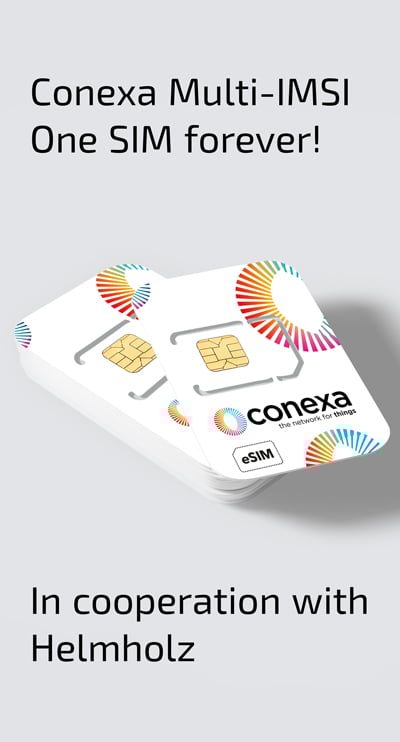
Activate your test SIM card from Wireless Logic mdex
As a customer of Helmholz Germany, you have the opportunity to activate your Conexa test SIM card here.

Configuration and help with setting up your Conexa SIM card
To register your Conexa test SIM card, fill in the above form with the required data. You will find the 18-22-digit ICCID under the barcode on the SIM card. You will then receive your access data, which you must configure in your device. The setup procedure and information on the access data can be found below.
You will receive your APN access data by e-mail after your test SIM card has been activated.
Step 1: Open your “Activation e-mail”
Step 2: Look in the e-mail: APN | Username | Password | Authentication type
Step 3: Enter the data in the device
The APN parameters should be entered via the user interface of your device or already embedded in the firmware of your device. If you are using a developer kit, you may need to enter the information via AT commands on the kit’s command line interface. You will also need to enable roaming in your cellular module.

Do you have questions about registering your SIM card or IoT projects?
Our team will be happy to advise you on the best solution.